
Recommended Services
Supported Scripts
Managed WordPress · Limassol
WordPress hosting for a publishing team.
Review the plugin stack.
A growing publication needs predictable editing, media handling and technical upkeep. Organise the roles and checks around the way the team actually publishes. Themes, paid plugins and external integrations can carry separate support and licence requirements.

High performance. Practical management.
Manage the website
beyond launch day.
Start with the installation and the work it needs each month. We help distinguish hosting tasks from content changes and additional development.

WP Start
A starting point for a modest WordPress website.
2.5 GB SSD storage
1 WordPress Website
2 Databases
5 Emails
Unlimited Bandwidth
24/7/365 Support
Annual payment: 20% discount
€16EUR
WP Growth
For a growing website with greater resource needs.
7.5 GB SSD storage
2 WordPress Websites
5 Databases
15 Emails
Unlimited Bandwidth
24/7/365 Support
Annual payment: 20% discount
€32EUR
WP Pro
Resources for a larger or more active WordPress installation.
15 GB SSD storage
5 WordPress Websites Unlimited Databases
Unlimited Emails
Unlimited Bandwidth
24/7/365 Support
Annual payment: 20% discount
€54EUR
WP Scale
For multiple installations or a more demanding business website.
35 GB SSD storage
15 WordPress Websites Unlimited Databases
Unlimited Emails
Unlimited Bandwidth
24/7/365 Support
Annual payment: 20% discount
€75EUR

Fast WordPress loading
Review storage, caching and the hosting environment against the way the website is used.

WordPress security
Review the protection features included in the plan and the responsibilities for maintaining the installation.
All WordPress hosting plans include
- Instant activation
- 24×7 technical support
- 99.9% Network Uptime SLA
- Free website migration
- Free SSL certificate
- SSD-powered servers
- Modern server infrastructure
- Auto updates & malware scanning
- 3 backup cycles: daily, weekly, monthly
- Unlimited bandwidth
- Auto-scaling ready
- cPanel + WordPress Toolkit
- CloudLinux
- Isolated account technology
- Manual backup & restore tools
- DDoS protection
- Brute-force attack protection
- SpamAssassin spam filter
- Server-level protection
- Low-density servers
When the standard plan
is not the right fit.
If the installation needs a custom environment or a broader maintenance scope, we define the additional work and cost first.

Practical WordPress management.
The aim is a clear maintenance routine, with responsibilities for updates, backups and support understood by everyone involved.
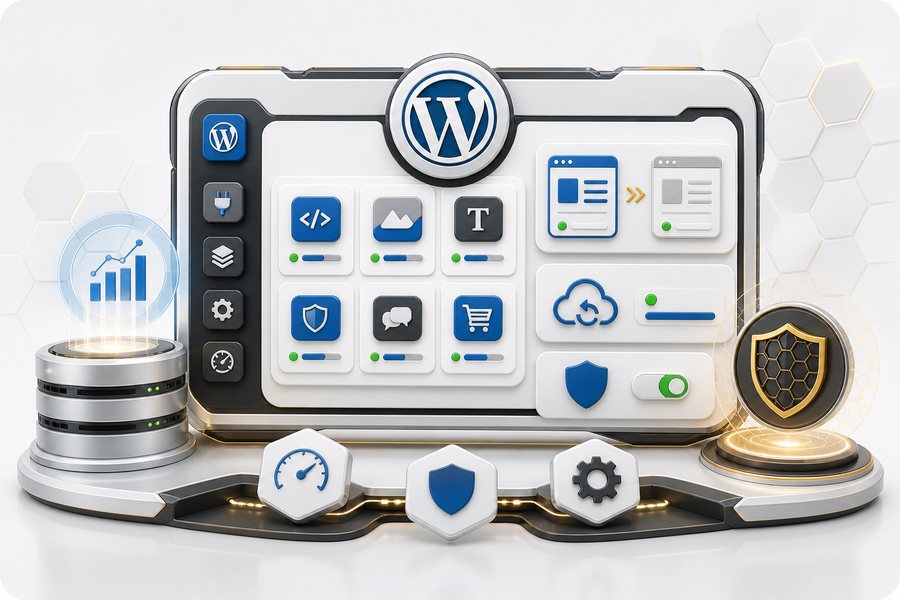
WordPress Toolkit
Keep installation management and the available WordPress tools organised in one environment.
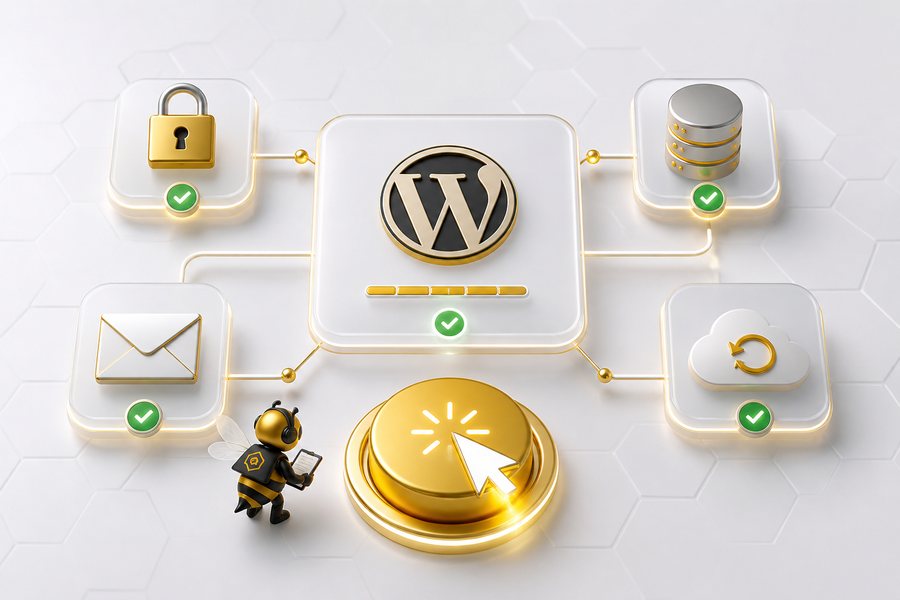
1-click WordPress
A new site needs a clear initial configuration before content and features are added.
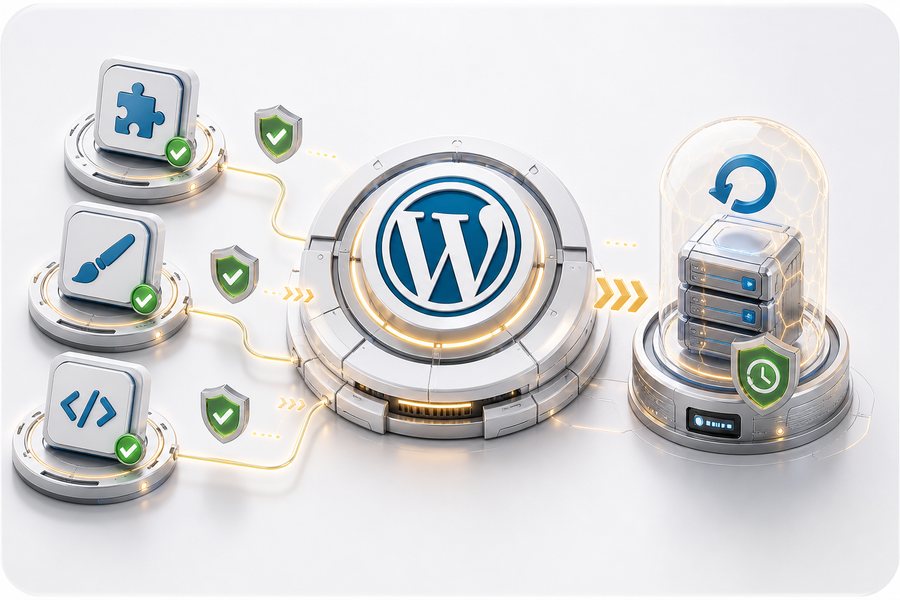
WordPress updates
Core, theme and plugin updates need attention to compatibility and recovery.

WordPress optimized servers
PHP configuration, caching and hosting resources influence how WordPress behaves.
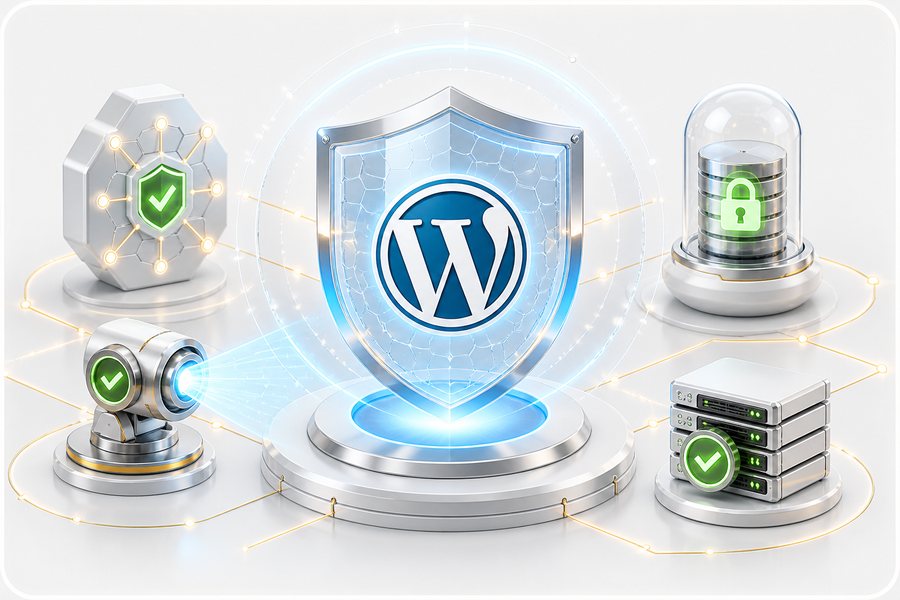
Advanced security
Check the security provisions of the selected service and keep the WordPress application maintained.

WordPress pro tools
The available backup, restore, caching and staging tools support the agreed maintenance process.

Know what support covers.
We clarify which hosting and WordPress-environment issues are included, and when a request becomes separate development work.
Additional development and specialist maintenance require an agreed scope rather than an assumed inclusion.
Trial WordPress hosting
30 days to see if it fits
Eligibility for a 30-day trial and the terms of use are confirmed before activation.

A PRACTICAL STARTING POINT
Keep WordPress useful after the launch.
A company website needs a manageable routine for updates, backups and technical questions alongside everyday content editing. Define that routine around the installation you have.
01 · Prepare
List the theme, plugins, forms and people who edit the site. Identify what is custom development.
02 · Verify
Check navigation, the enquiry form and the pages customers use after a maintenance change.
03 · Keep ownership clear
Agree which technical tasks are included and who handles content, licences and additional development.
Illustrative sequence. The actual configuration and responsibilities follow the agreed requirements.
DELIVERY & OWNERSHIP
Plan the change around what is already in use.
Identify the live users, active records and dependencies that must keep working. Agree when a change can take place and how new activity will be handled during the transition.
01 · Prepare
A live WordPress change needs a usable backup and checks of important site functions.
02 · Verify
Check media, redirects, sign-in and the important customer actions on the moved installation before approving the public change.
03 · Keep ownership clear
Keep the agreed recovery point and note any configuration changes the site owner must maintain.
WORDPRESS PROJECTS AND TECHNICAL SUPPORT — CLIENT FEEDBACK
“They always deliver and are very creative with web design/development. They are absolute masters of WordPress. They have also been great with dealing with a large number of stakeholders within business.”
Joel K. · Jim’s Group
SERVICE AREA
For your audience in Limassol.
WooCommerce.
The audience area does not describe the entire system. For work serving Limassol, also identify existing providers, external tools and other users affected by a change.
A live WordPress change needs a usable backup and checks of important site functions.
The map shows the area served, not a datacenter or a local office. The physical hosting location and availability are checked separately.
- Site and licence ownership
- Update dependencies
- Recovery priority by installation
Limassol
Questions about WordPress hosting?
Let’s review your WordPress setup.
Send the website address and describe the hosting or maintenance issue. We will discuss a practical next step.
<p>WordPress roles can separate publishing and administration, but they need to match your workflow. Use individual accounts and suitable permissions. Agree who approves content and who is authorised to change plugins or technical settings.</p>
<p>They should be included in the agreed verification, but a file copy alone does not prove that. Forms, media paths, email delivery and plugin-dependent functions need checks on the destination.</p>
Plans include daily, weekly and monthly backup cycles, together with restore tools. Critical websites may need an additional backup policy depending on their use.
<p>At least the journeys that grant or restrict access: registration, login, password reset and representative member-only content. Where subscriptions are involved, include the relevant payment and renewal behaviour in the agreed test scope.</p>
<p>No unconditional improvement can be promised without checking the installation. The theme, plugins, media and external services can remain constraints. Identify the bottleneck and compare equivalent measurements after a change.</p>
YOUR NEXT STEP
Maintain the experience behind the WordPress login.
Explain who will use and maintain the result. We can make the responsibilities part of the scope from the beginning.
Separate editors, shop managers and administrators using suitable WordPress roles.