
Recommended Services
Supported Scripts
Managed WordPress · Manchester
WordPress hosting for website performance.
Review the plugin stack.
A slow site can involve images, plugins, database work or external services. The hosting environment is one part of that investigation. Themes, paid plugins and external integrations can carry separate support and licence requirements.

High performance. Practical management.
Manage the website
beyond launch day.
WordPress hosting should be selected alongside the website’s update, backup and support requirements. We help clarify what is included and what needs separate development work.

WP Start
For a first or smaller WordPress installation.
2.5 GB SSD storage
1 WordPress Website
2 Databases
5 Emails
Unlimited Bandwidth
24/7/365 Support
Annual payment: 20% discount
€16EUR
WP Growth
Additional capacity for a developing WordPress presence.
7.5 GB SSD storage
2 WordPress Websites
5 Databases
15 Emails
Unlimited Bandwidth
24/7/365 Support
Annual payment: 20% discount
€32EUR
WP Pro
Resources for a larger or more active WordPress installation.
15 GB SSD storage
5 WordPress Websites Unlimited Databases
Unlimited Emails
Unlimited Bandwidth
24/7/365 Support
Annual payment: 20% discount
€54EUR
WP Scale
An option for teams handling several WordPress sites.
35 GB SSD storage
15 WordPress Websites Unlimited Databases
Unlimited Emails
Unlimited Bandwidth
24/7/365 Support
Annual payment: 20% discount
€75EUR

Fast WordPress loading
Review storage, caching and the hosting environment against the way the website is used.

WordPress security
Review the protection features included in the plan and the responsibilities for maintaining the installation.
All WordPress hosting plans include
- Instant activation
- 24×7 technical support
- 99.9% Network Uptime SLA
- Free website migration
- Free SSL certificate
- SSD-powered servers
- Modern server infrastructure
- Auto updates & malware scanning
- 3 backup cycles: daily, weekly, monthly
- Unlimited bandwidth
- Auto-scaling ready
- cPanel + WordPress Toolkit
- CloudLinux
- Isolated account technology
- Manual backup & restore tools
- DDoS protection
- Brute-force attack protection
- SpamAssassin spam filter
- Server-level protection
- Low-density servers
Some websites need
a different configuration.
If the installation needs a custom environment or a broader maintenance scope, we define the additional work and cost first.
A routine your website can rely on.
Organised maintenance gives technical work a defined place alongside the day-to-day running of the business.
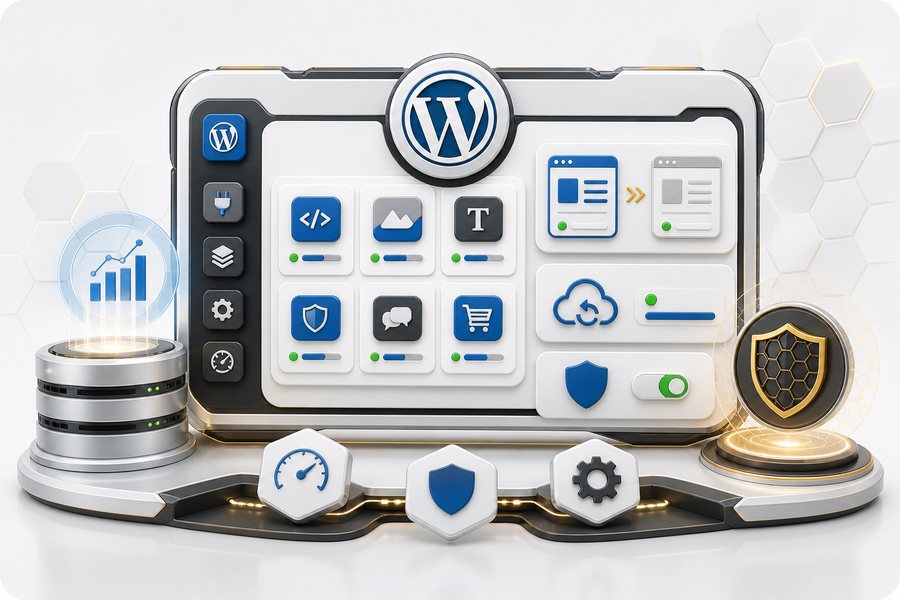
WordPress Toolkit
Use the available control-panel tools to manage the installation and its essential settings.
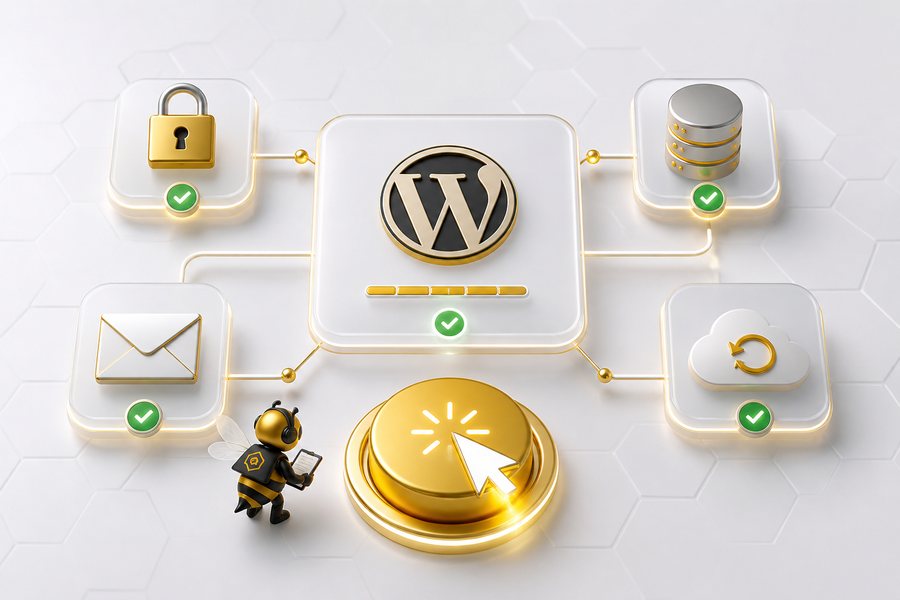
1-click WordPress
Start with a WordPress installation prepared for its hosting, SSL and backup settings.
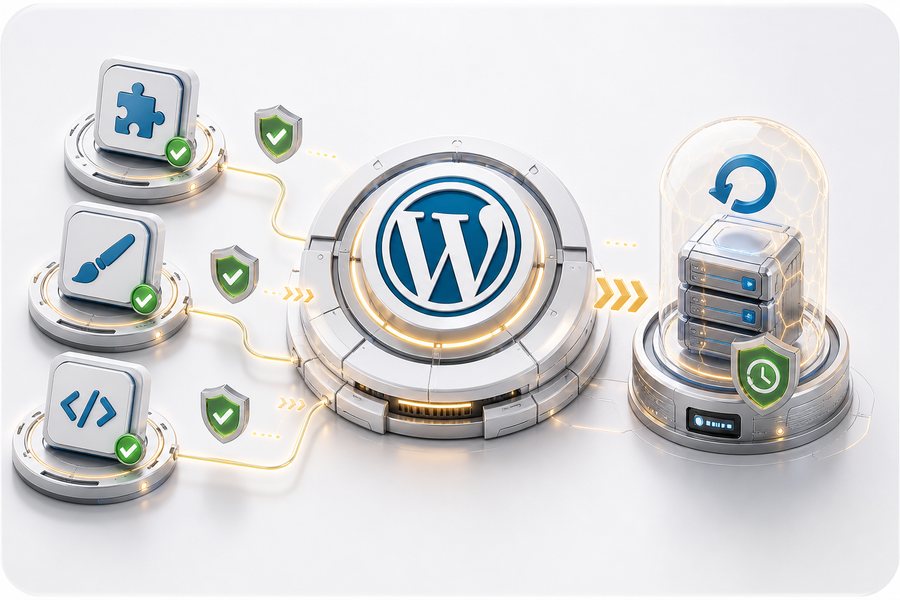
WordPress updates
Core, theme and plugin updates need attention to compatibility and recovery.
WordPress optimized servers
We review relevant hosting settings alongside the application rather than treating speed as one switch.
Advanced security
Check the security provisions of the selected service and keep the WordPress application maintained.
WordPress pro tools
The available backup, restore, caching and staging tools support the agreed maintenance process.

Put maintenance responsibilities in writing.
We clarify which hosting and WordPress-environment issues are included, and when a request becomes separate development work.
More demanding work is reviewed and priced separately before it starts.
Trial WordPress hosting
30 days to see if it fits
Eligibility for a 30-day trial and the terms of use are confirmed before activation.

A PRACTICAL STARTING POINT
Check the consequences before changing the plugin stack.
Adding or updating a plugin can affect another part of the website. A managed routine needs a way to test, identify the cause of a problem and restore a working state.
01 · Prepare
Identify dependencies, licence status and the specific function the change should deliver.
02 · Verify
Check the affected journey and related functions in an appropriate test environment before the live change.
03 · Keep ownership clear
Record the change and the recovery method. Keep a clear owner for custom code and third-party licences.
Illustrative sequence. The actual configuration and responsibilities follow the agreed requirements.
DELIVERY & OWNERSHIP
Keep the first change small enough to verify.
Identify the one outcome that makes the initial work useful. Put later additions in a separate list so the first delivery has a clear boundary.
01 · Prepare
Distinguish included WordPress hosting and maintenance from additional development.
02 · Verify
Test the forms and plugin-dependent journeys included in the change, using the current theme and relevant account roles.
03 · Keep ownership clear
Record which WordPress tasks are included and who owns content, paid licences and additional development.
WORDPRESS PROJECTS AND TECHNICAL SUPPORT — CLIENT FEEDBACK
“His pricing is excellent, and his hosting options are more than fair. Communication was outstanding every time I contacted him, he responded promptly. When I had an issue with my email ,which was something I did to mess it up , he jumped straight on it and had everything sorted quickly.”
Benjamin S.
SERVICE AREA
For your audience in Manchester.
Plugin changes.
WordPress care for your website in Manchester. Discuss the records needed for daily operation, how information moves and who is allowed to use it.
Review customer records, administrator access and suitable staging data.
The map shows the area served by your business. Hosting location is a separate infrastructure choice.
- Media library and storage use
- Contributor access
- Editorial versus technical changes
Manchester
Questions about WordPress hosting?
Let’s review your WordPress setup.
Send the website address and describe the hosting or maintenance issue. We will discuss a practical next step.
<p>No. Clarify the included hosting and maintenance tasks before ordering. New features, custom plugin work and substantial content or design changes may need a separate development scope.</p>
Yes. Technical support covers hosting and the WordPress environment. Custom development, theme or plugin changes and content work are agreed separately before work begins.
SSL, firewall, malware scanning, brute-force protection, DDoS protection and account isolation are included at the hosting level.
WordPress can run in many hosting environments, but a WordPress-optimised plan helps with speed, security, backups and simpler management.
<p>No unconditional improvement can be promised without checking the installation. The theme, plugins, media and external services can remain constraints. Identify the bottleneck and compare equivalent measurements after a change.</p>
YOUR NEXT STEP
Keep WordPress useful after the launch.
Bring one clear objective and the existing setup. We can identify a practical first step and the checks needed to accept it.
Distinguish included WordPress hosting and maintenance from additional development.