
Recommended Services
Supported Scripts
App Development · Amsterdam
Applications for catalogue tools.
Complete the first useful task.
Search, saved choices and quote or order requests can turn product information into a working application. Choose features from actual user tasks. Build one complete user task before extending the application’s feature list.
- Web applications and portals
- Tools for your team and customers
- Connections to your existing systems

PURPOSE BEFORE TECHNOLOGY
Not every feature belongs
in the first release.
The brief starts with a concrete problem rather than an assumed collection of features.
Customer portals
Give customers or staff access to the records and actions relevant to their role.
Internal tools
Organise a repeatable internal process with clear responsibilities and visible progress.
Digital products
Define the smallest useful version, with deliberate decisions about what comes later.
A FIRST RELEASE WITH A CLEAR PURPOSE
A defined first release.
Not an endless wish list.
We separate essential functionality from later improvements and record the boundaries of the first release.
- Core user journey and user roles
- Features and data for the first release
- Dependencies on third-party services
- Testing and acceptance criteria
THE PROJECT PLAN
Turn requirements
into a working release.
- Goal—what needs to change for the user
- Workflow—how the core task is completed
- Data—what is stored and who can access it
- Release—what is delivered and how it is tested
DEVELOPMENT IN CLEAR STAGES
See what is ready.
Know what comes next.
01
Discovery
The specification records who the application serves and what a successful task looks like.
02
Prototype
We test the core screens and user journey before investing in the complete build.
03
Development
Development proceeds through agreed stages, with demonstrations and functional checks.
04
Testing & release
Release planning covers testing, access, rollout and what happens after the first users arrive.
Connected applications.
Less duplicated information.
- CRM and customer service tools
- E-commerce and payment services
- Files, databases and reports
- APIs and automated updates
INTEGRATIONS THAT MAKE SENSE
Build connections,
not another data silo.
We examine how the application exchanges information with CRM, payments, email and existing databases.
API access and external platform limitations are checked before the integration scope is agreed.
BEYOND THE FIRST RELEASE
A dependable release.
A maintainable next version.
Roles & access
Access rules are designed into the product rather than added after the interface is finished.
Testing real workflows
Core journeys are checked alongside failures, validation and alternative scenarios.
Handover & maintenance
We clarify documentation, fixes and future development before handover.
FREQUENTLY ASKED QUESTIONS
Questions before the first release.
Use filters that help users distinguish the products they need. Start from the catalogue data and representative search tasks, then test whether the controls improve the result.
Agree field mapping, cleanup rules and a verification sample before importing. Keep a way to reconcile the imported data and decide how changes during the transition are handled.
Include the complete path for one useful task, including errors and staff handling. A long list of screens is less useful than a release that users can actually complete a job with.
We agree in advance on fixes, technical maintenance and future releases. Hosting, third-party service licences and ongoing development are listed separately, so the full scope is clear.
It may coordinate them rather than replace them. Review their APIs, data ownership and limitations, and choose the smallest integration that supports the intended workflow.
A PRACTICAL STARTING POINT
Put permissions at the centre of the customer portal.
A portal needs clear account boundaries, useful status information and a practical recovery journey. Plan those before the first visual prototype.
01 · Prepare
Define the audience, the information each role can see and the tasks that require a signed-in account.
02 · Verify
Use representative roles to check registration, sign-in, recovery and access to the intended information.
03 · Keep ownership clear
Document account ownership and the route for access questions, removals and role changes.
Illustrative sequence. The actual configuration and responsibilities follow the agreed requirements.
DELIVERY & OWNERSHIP
Check readiness before demand increases.
Describe the expected busy period and the activity behind it. Separate a known event or planned launch from an unsupported assumption about future growth.
01 · Prepare
Check concurrent actions, important limits and the expected user journey.
02 · Verify
Check simultaneous actions and the expected user journey against the application’s important operating limits.
03 · Keep ownership clear
Assign observation of usage and the criteria for extending resources or application functionality.
OUR WORK
Applications built around real tasks.
Selected work in bookings, portals and digital products.
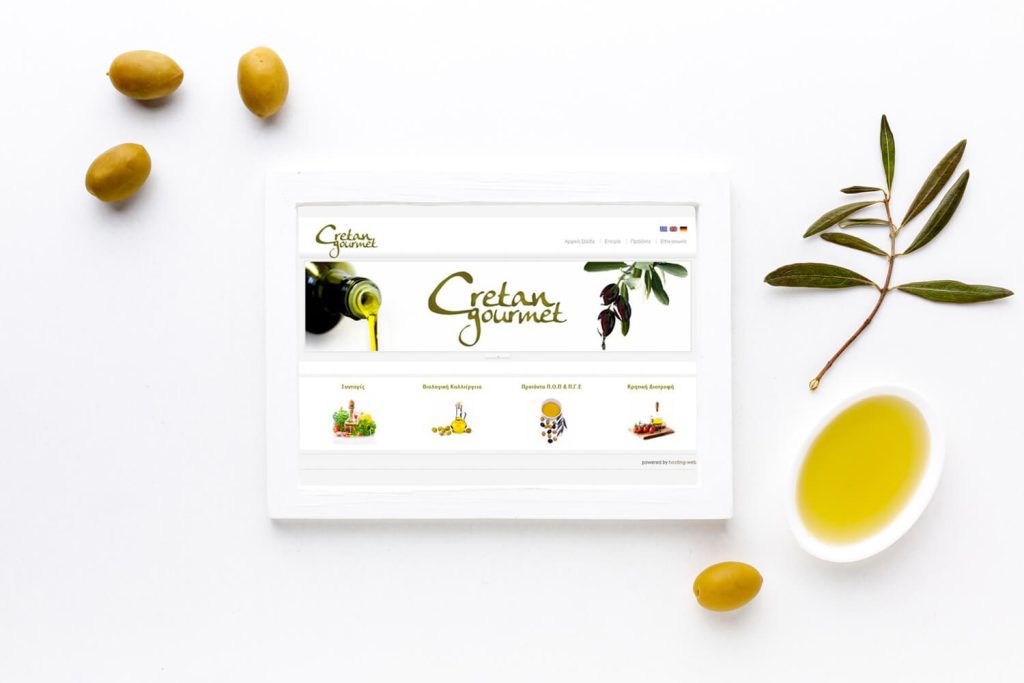
Cretan Gourmet
A bilingual online shop
We built a WooCommerce shop for Mediterranean products, with bilingual content, product categories and a mobile-friendly purchasing process for an international audience.
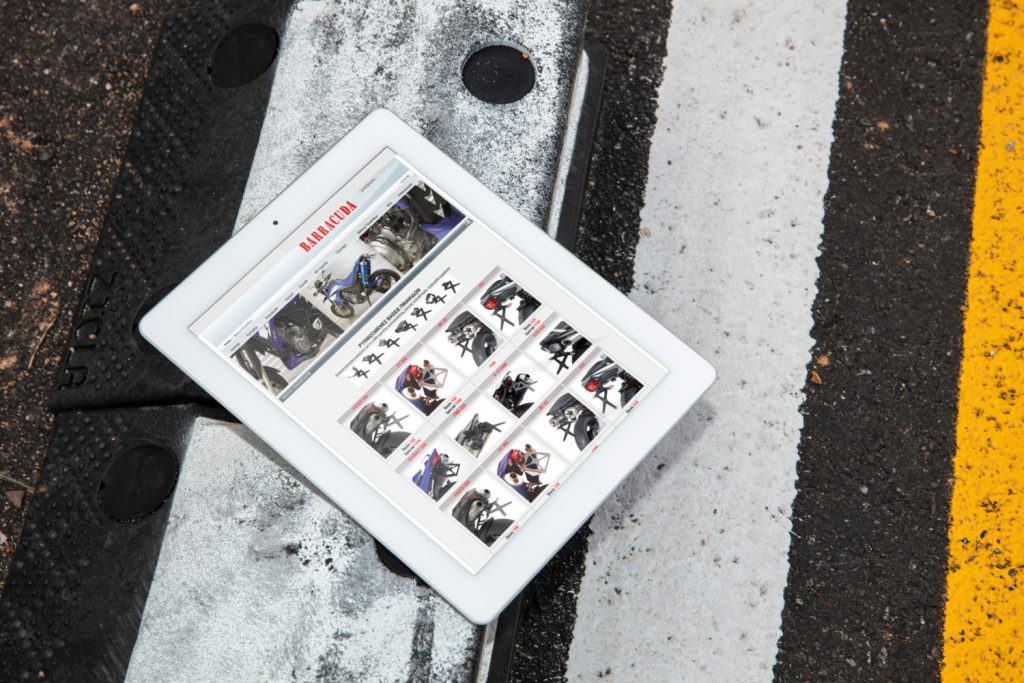
Barracuda
A large WooCommerce parts catalogue
We developed a WooCommerce store for an extensive parts and accessories catalogue, organising navigation and categories for desktop and mobile shopping.
IN OUR CLIENTS’ WORDS
“Their Node.js hosting is super fast, and they helped me migrate everything smoothly. Highly recommended for developers.”
Ethan B.
SERVICE AREA
For your audience in Amsterdam.
Bookings.
The audience area does not describe the entire system. For work serving Amsterdam, also identify existing providers, external tools and other users affected by a change.
Plan record imports, user access and the transition from the existing workflow.
The map identifies the audience area. Project scope, collaboration and delivery are agreed around the business and its users; it does not imply a local office.
- Users doing the work
- Exceptions and approvals
- Ownership of notifications
Amsterdam
THE NEXT STEP
Tell us what you need
your application to do.
Describe the users, the problem and the outcome the first version must deliver.
YOUR NEXT STEP
Build an application that handles language deliberately.
Share the existing providers and the connection you need. We can check the dependency before promising an implementation.
Confirm which existing tools expose the data and actions the application requires.