
Recommended Services
Supported Scripts
Web Design · Manchester
Web design for a redesign.
Involve the content owners.
A redesign should address the confusing parts without discarding useful content and established journeys. Map what is retained before changing navigation. Identify who supplies copy, reviews the design and approves publication.
- Business websites and redesigns
- Designed for mobile, tablet and desktop
- Content and structure you can manage

MORE THAN A GOOD-LOOKING SCREEN
Make the offer easy to understand.
Make the next step obvious.
Visual character matters, but so does the order of information. We build both into the page structure.
A clear message
Put the essential information where a first-time visitor can find it without searching through your entire site.
Intuitive navigation
Group services and supporting information into a navigation structure that follows the questions customers actually ask.
A recognisable identity
Typography, colour and imagery work as a system, with enough flexibility for future pages.
WHAT WE DESIGN
One visual language.
Across the whole website.
A strong first screen is only useful if the rest of the website follows through. We check the complete journey, including the small screens.
- Page structure and content hierarchy
- Core page designs and reusable components
- Responsive layouts and navigation checks
- Handover with guidance on managing your content
Business website
Present the company, its services and the evidence that helps a prospective customer decide.
Landing page
A dedicated page for one campaign, with an offer and a clear action.
Website redesign
Reorganise an existing website around the business you operate today.
Project showcase
Show the work and explain the brief, decisions and outcome behind it.
FROM FIRST CONVERSATION TO HANDOVER
Agree the direction.
Then build the detail.
We make the important decisions visible early, so feedback can shape the work while changes are still manageable.
01
Goals & content
We review the offer, audience and available material, then define what the website must explain.
02
Structure & design
We set out the navigation, page hierarchy and visual approach for your review.
03
Build & testing
We build the agreed pages and test navigation, content and enquiry routes on different screens.
04
Handover & continuity
We review the finished pages together and explain how your team can maintain the content.
DESIGN + DEVELOPMENT
Designed for the visitor.
Practical for your team.
- Consistent buttons, forms and interaction states
- Readability and basic accessibility checks
- Working links and clear ways to get in touch
A FOUNDATION YOU CAN MANAGE
Your content.
Within your control.
We explain which areas you can update yourself and where a structural change needs development work.
Online payments, specialist forms and external integrations are scoped separately so requirements and costs stay clear.
BEFORE WE BEGIN
Your first questions, answered.
No. A design project can use a suitable existing system. Custom rules and integrations need their own technical scope; the interface should reflect the system that will actually be used.
Yes. It can guide visitors to a qualified enquiry or quote request. Decide that purpose early so product information and calls to action support the actual sales process.
Only where those screens are in the agreed scope. Identify the relevant roles and states before design begins so the handover covers the journeys the application needs.
That can expose avoidable layout problems. Use representative translated content while designing, especially for navigation, headings and buttons, and have the wording reviewed by an appropriate language owner.
They may have design limits. Aim for a recognisable identity, clear wording and an understandable handover within the controls available, rather than promising changes the external platform cannot support.
A PRACTICAL STARTING POINT
Give the catalogue a structure people can use.
A product presentation works when customers can distinguish options and find the information that matters. Establish the category structure and page hierarchy before visual polish.
01 · Prepare
Prepare representative products, categories, images and the information customers need before making a decision.
02 · Verify
Review a product on mobile and desktop, including variations, specifications and the next step to enquire or purchase.
03 · Keep ownership clear
Keep an owner for product information, stock-related connections and future catalogue changes.
Illustrative sequence. The actual configuration and responsibilities follow the agreed requirements.
DELIVERY & OWNERSHIP
Decide what information is actually required.
List the information used for the agreed task and who needs access to it. Avoid collecting extra records simply because a form or system makes it possible.
01 · Prepare
Collect only the contact details the enquiry journey actually needs.
02 · Verify
Review the enquiry fields, visible contact details and any account screens included in the design scope.
03 · Keep ownership clear
Keep form-content ownership and approval of published customer information with an identified business contact.
OUR WORK
Design put into practice.
Different businesses. Specific requirements.
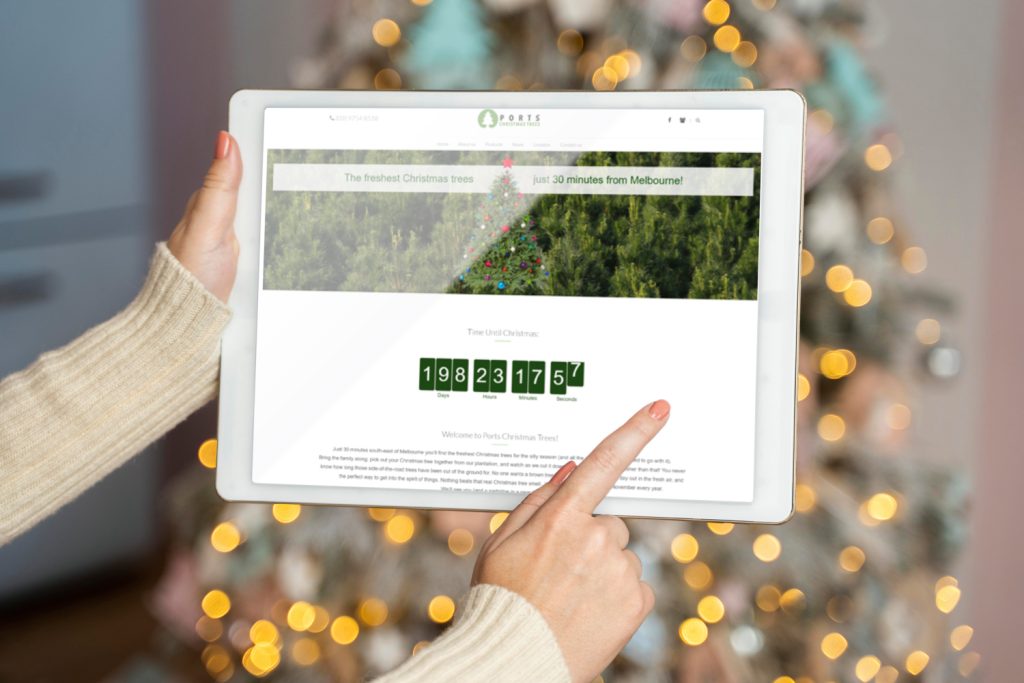
Ports Christmas Trees
Practical information for a seasonal visit
We created a website presenting location, products and seasonal opening information, with clear content to help families plan their visit.
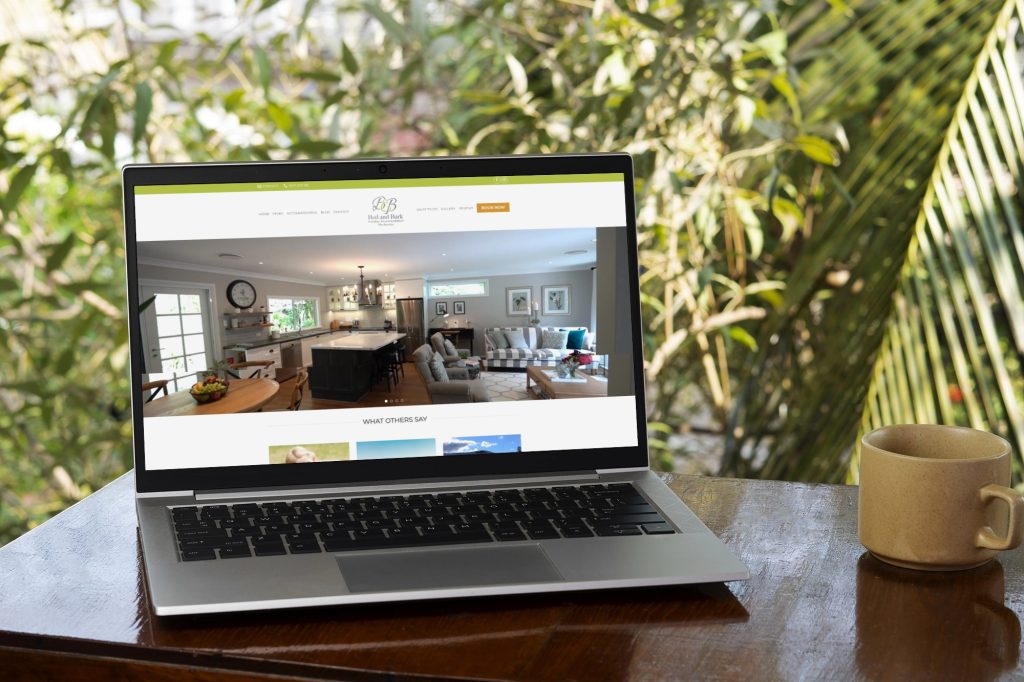
Bed & Bark
Accommodation with a clear introduction
The website tells the story of pet-friendly accommodation through warm visual design and organised information that helps guests plan their stay.
IN OUR CLIENTS’ WORDS
“His pricing is excellent, and his hosting options are more than fair. Communication was outstanding every time I contacted him, he responded promptly. When I had an issue with my email ,which was something I did to mess it up , he jumped straight on it and had everything sorted quickly.”
Benjamin S.
SERVICE AREA
For your audience in Manchester.
Member journeys.
Website design for your business in Manchester. Make the team’s roles clear. Identify who supplies content and access, who approves work and who owns later changes.
Identify who supplies copy, reviews the design and approves publication.
The map shows the area your project serves.
- Service hierarchy
- Evidence for each offer
- Clear enquiry routes
Manchester
THE NEXT STEP
Let’s define your next website.
Share your website address, your services and what you want to improve. We will discuss the scope before proposing the work.
YOUR NEXT STEP
Make connected steps feel like one website.
Describe the information the service will handle and any known requirements. We can identify the technical decisions and the additional review needed.
Collect only the contact details the enquiry journey actually needs.